With a new baby on its way, I wanted a way for myself or my partner to be able to ask the other for help in a way that was as low intrusive as possible. I happened to know that eventually I want to deploy the Shelly Gen4’s around the house and use Zigbee as the protocol. I started to brainstorm for ways that we could ask the other assistance without shouting, and without having to grab our phone from a distant shelf.
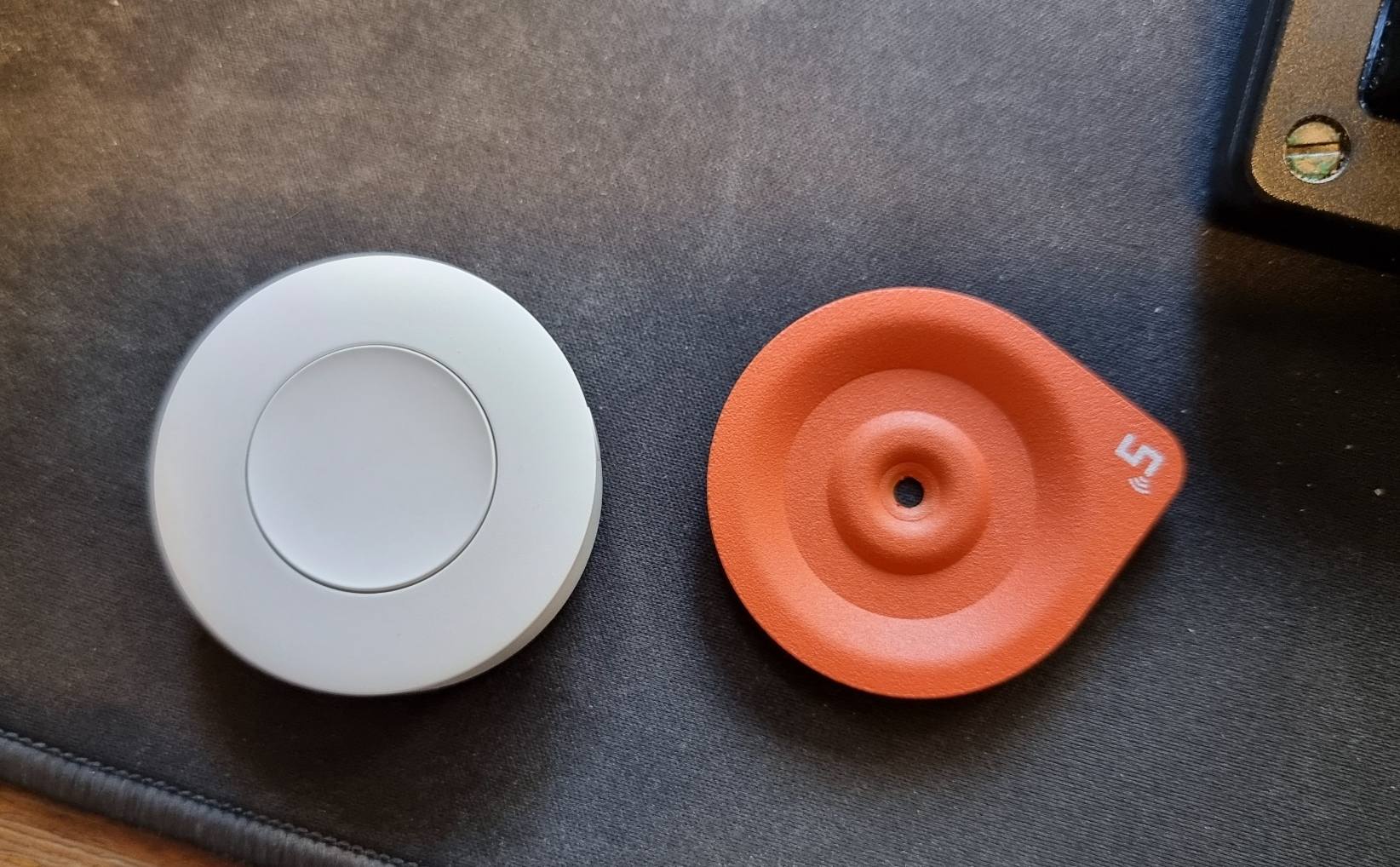
I came across the SONOFF Zigbee Wireless Switch | SNZB-01P which fits all of my requirements:
- Has a way of attaching to ourselves to easily press. (Base is magnetic, and we can put the metal orange bit inside our clothes, with the switch on the outside).
- Very long battery life.
- Zigbee!
- Cheap!
To make this all work, I needed to use my Zigbee Coordinator: SLZB-06Mg24 and a few automations in Home Assistant. Notably, I needed to setup a series of automations that send alerts to the corresponding phone.
The basics steps are:
- Ensure that the Zigbee Home Automation has been setup and configured.
- Pair the Zigbee Switches using the Home Automation configuration.
- Create the Notification Automation (single press).
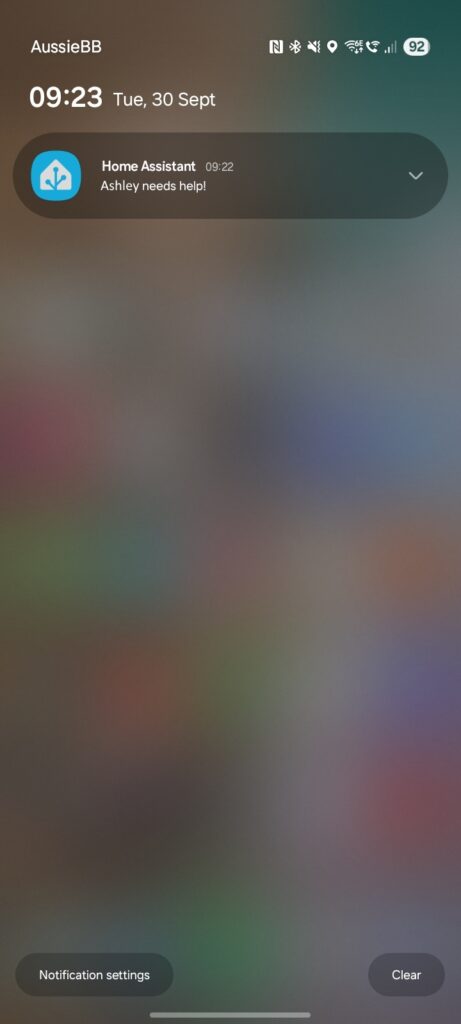
The automation is pretty simple, and straight forward. The only gripe I had is that I could not figure out how to send the notification to “Device used by User XZY” rather, I needed to specify the device that I was sending the notification to. Below is the template, and how it looks when the notification is triggered.
alias: Ashley Needs Help
description: ""
triggers:
  - device_id: 6b73d14dd388577....
    domain: zha
    type: remote_button_short_press
    subtype: button
    trigger: device
conditions: []
actions:
  - action: notify.mobile_app_sm_g998b
    metadata: {}
    data:
      message: Ashley needs help!
mode: single